
After a recent upgrade, there is a new sign in procedure for GT Mail.
On your iPhone or iPad, open the outlook app. On the top left notice the  icon. Click that.
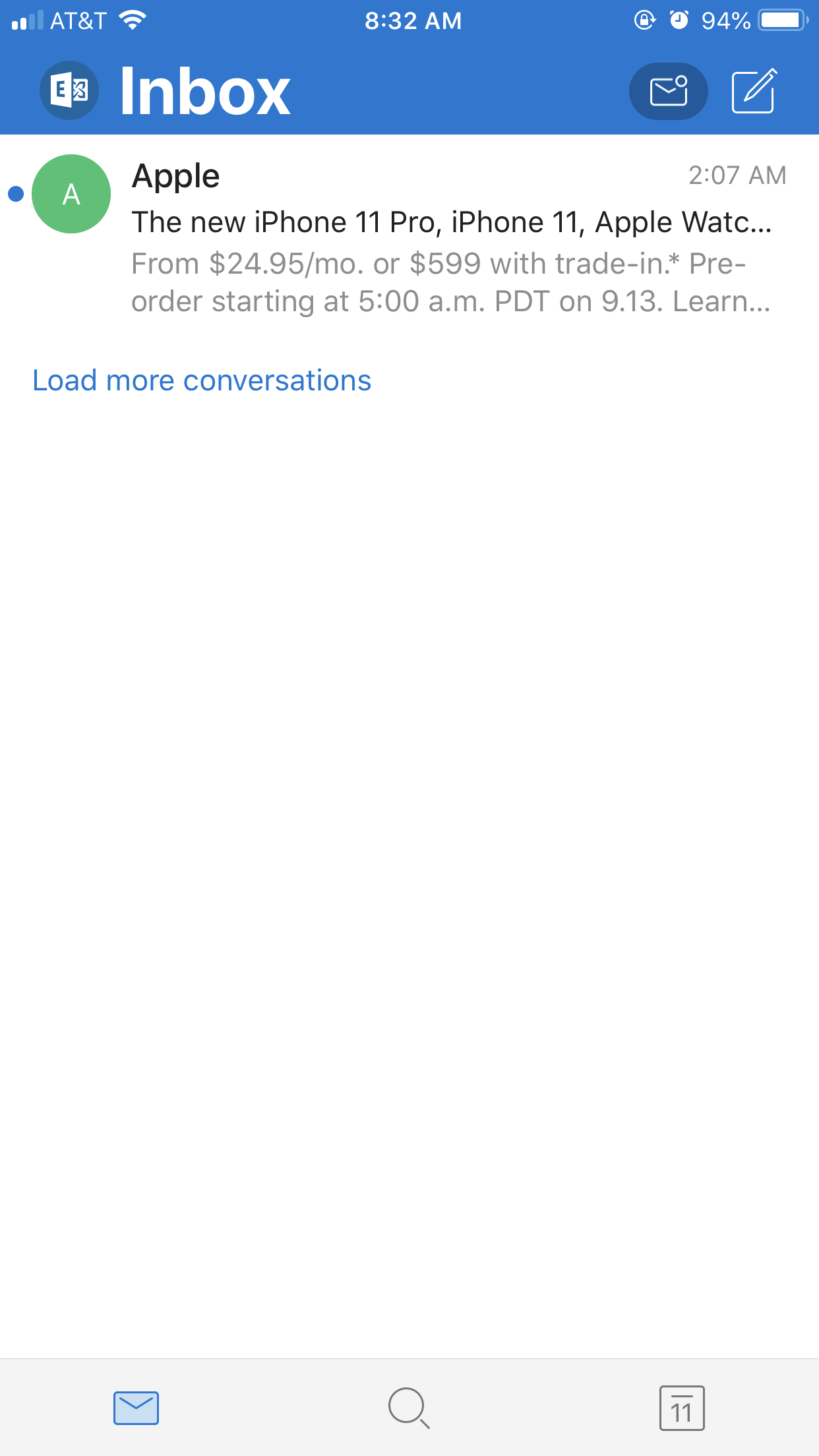
This will now appear on the screen. Click the icon on the bottom left corner.
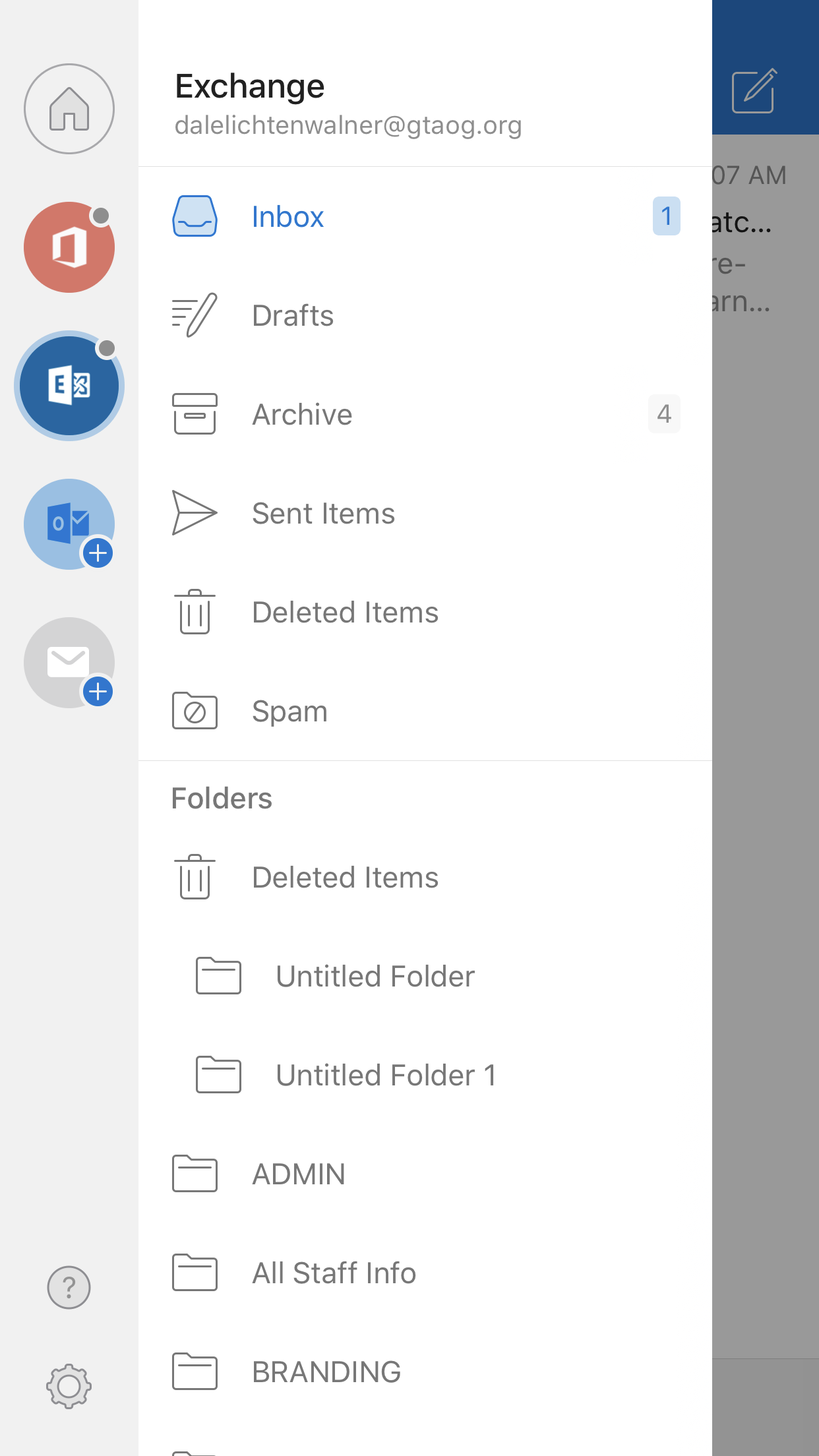
This will now appear on the screen. Click on your @gtaog.org Address on the arrow icon.
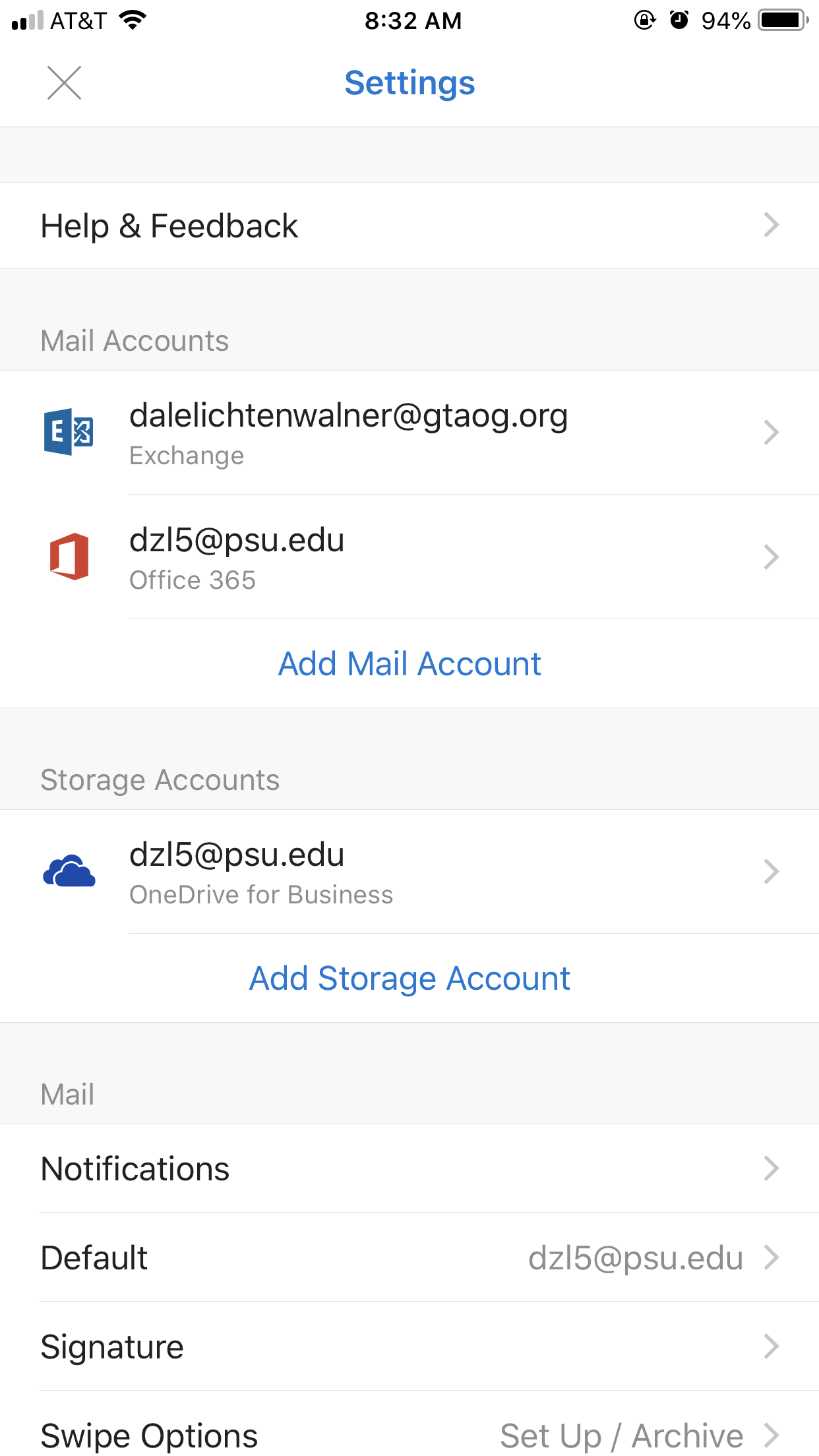
This will now appear. Hit the Edit Login Information near the bottom of the screen.
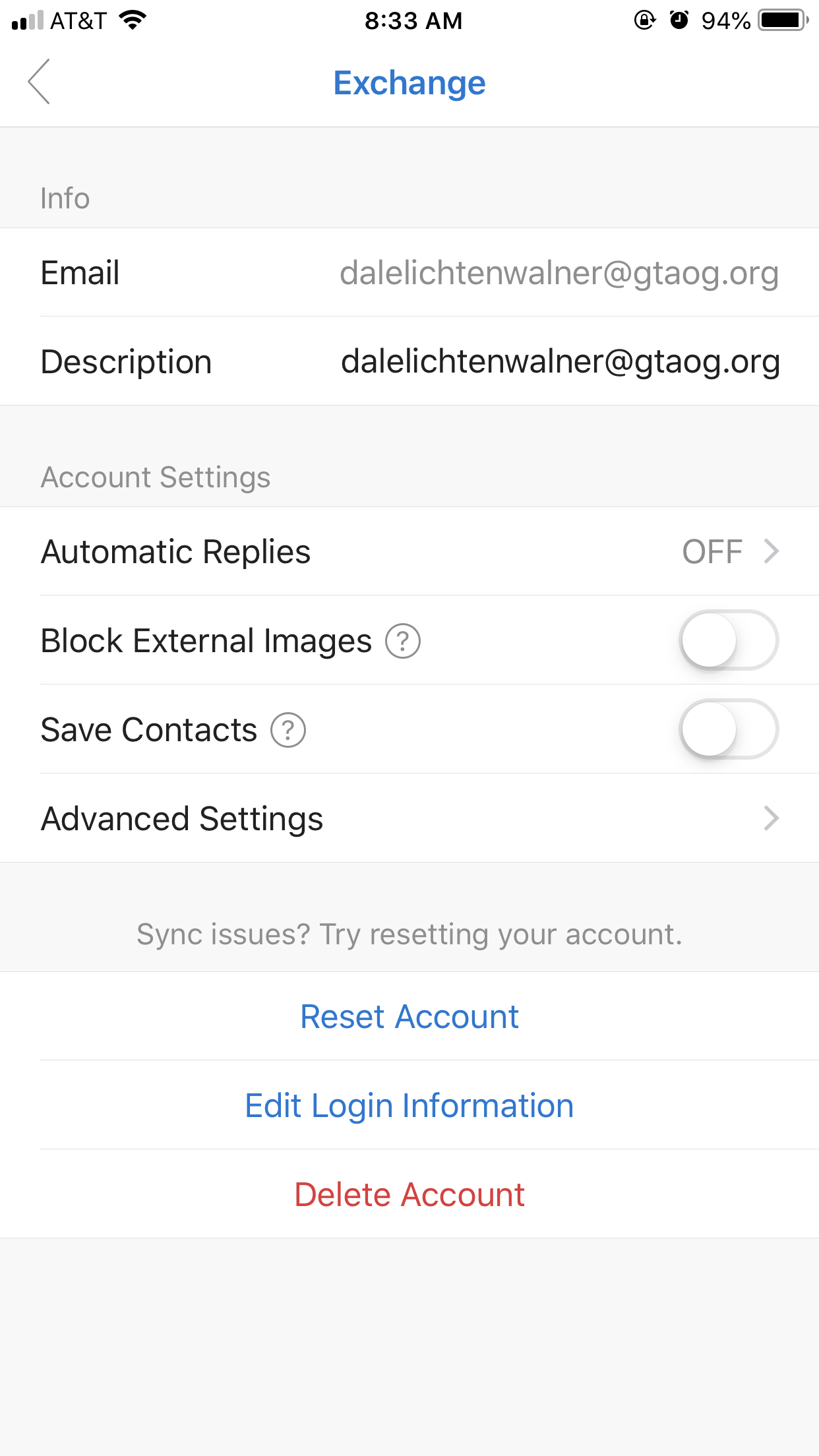
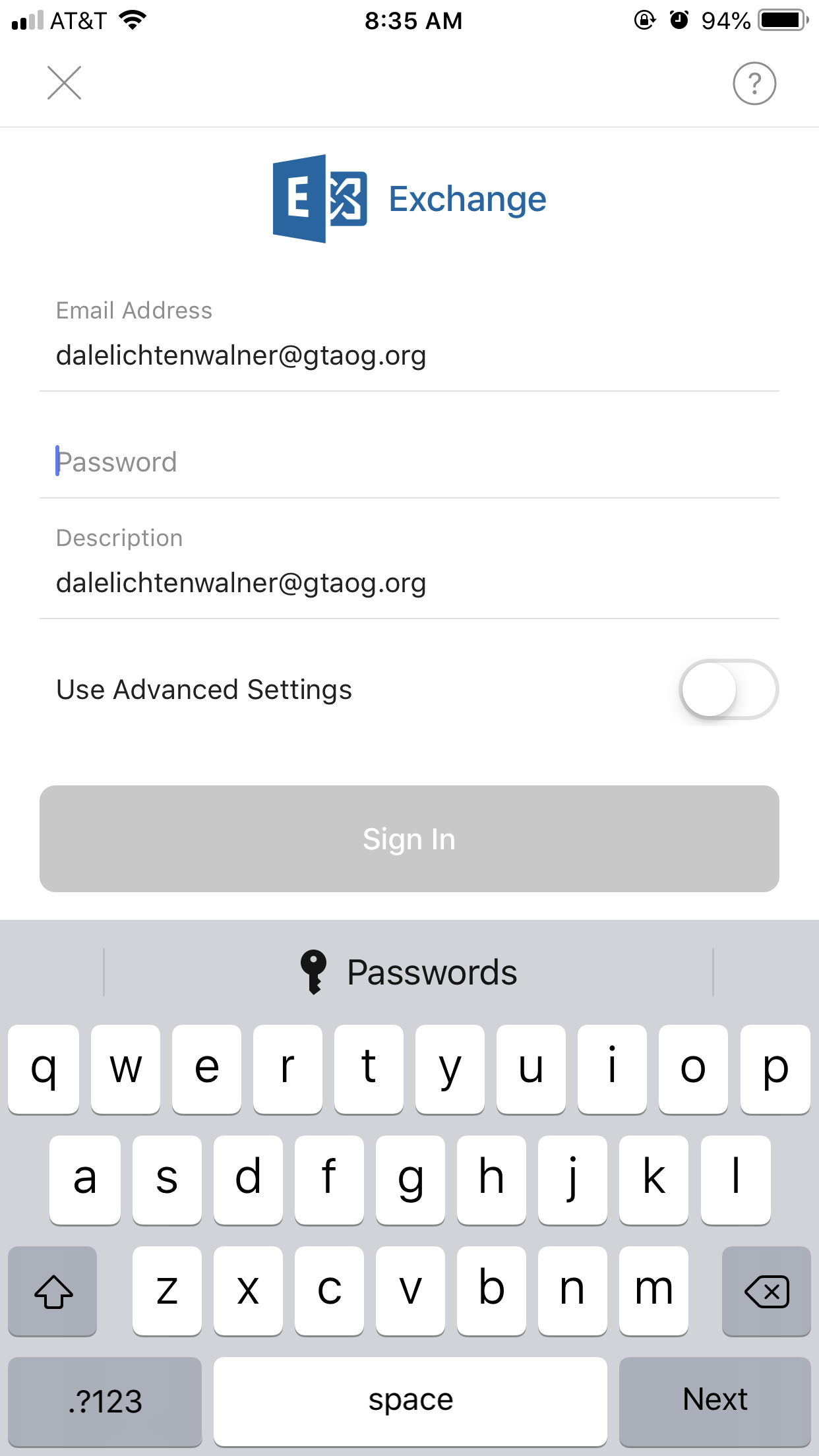
This will now appear on the screen. Toggle the switch next to "Use Advanced Settings" to off.
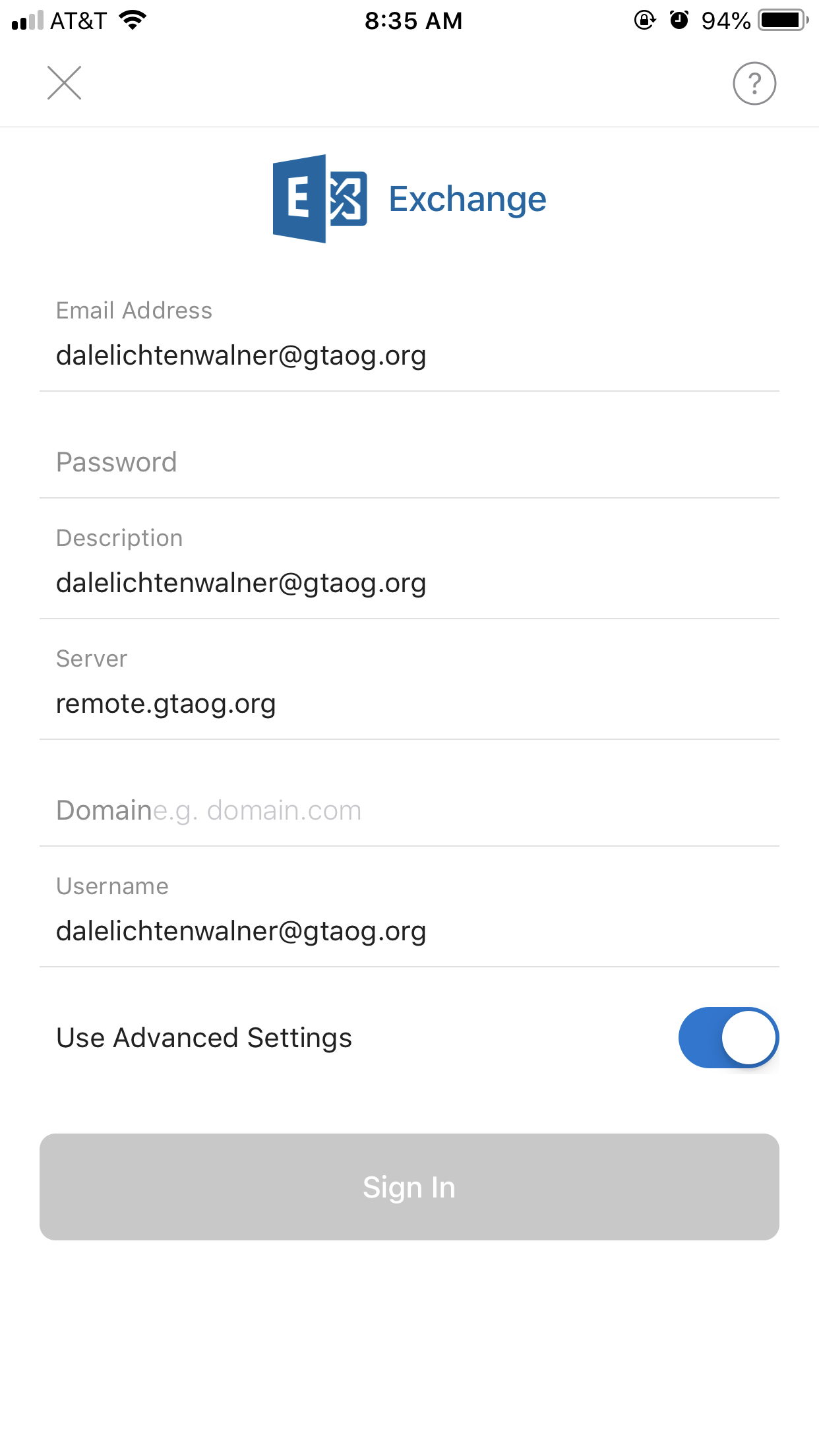
This will now appear. Enter your password and Click Sign In.
Any Issues, submit a helpdesk ticket!