
After receiving an email with an invite to join a Backblaze Group: GT Computers, do the following steps.
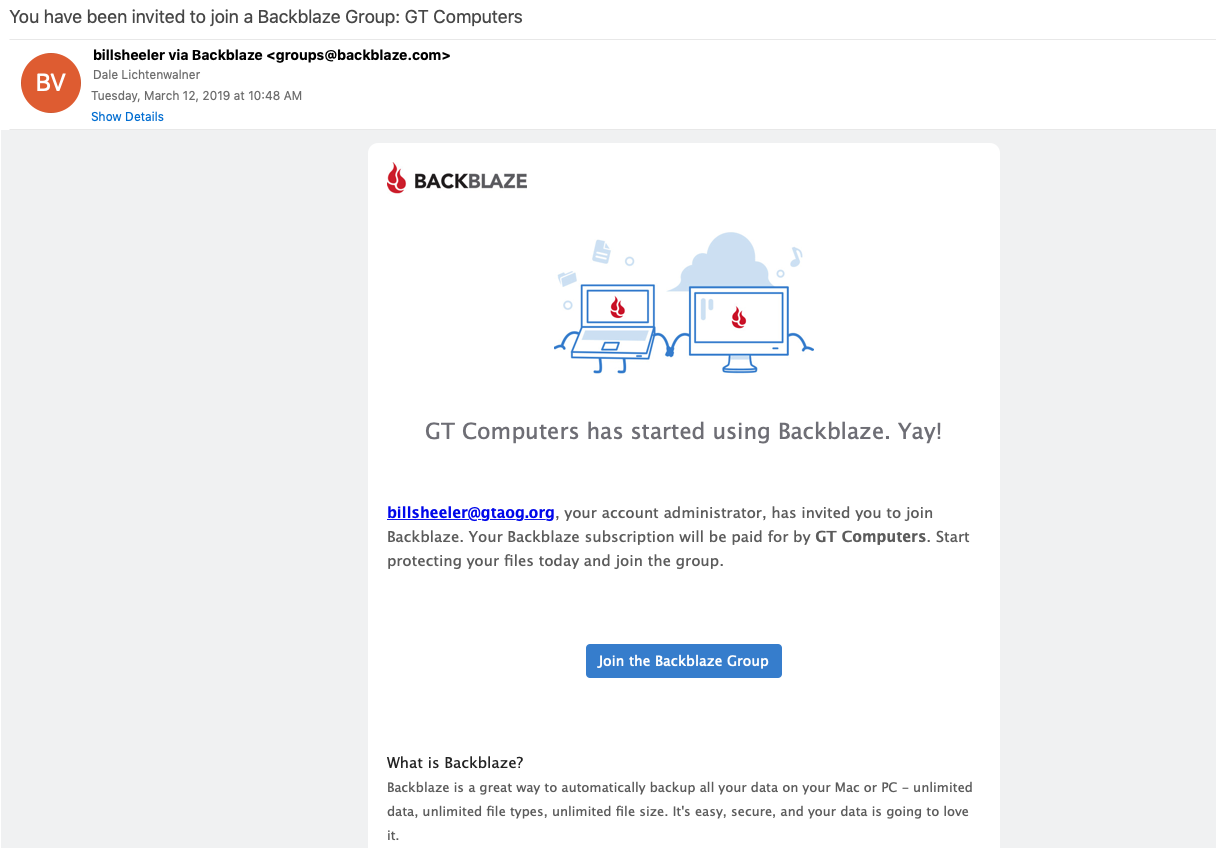
Click the "Join the Blackblaze Group".
It will take you to a webpage that has you create a password for your account.
After that, you will get a page that looks similar to this.
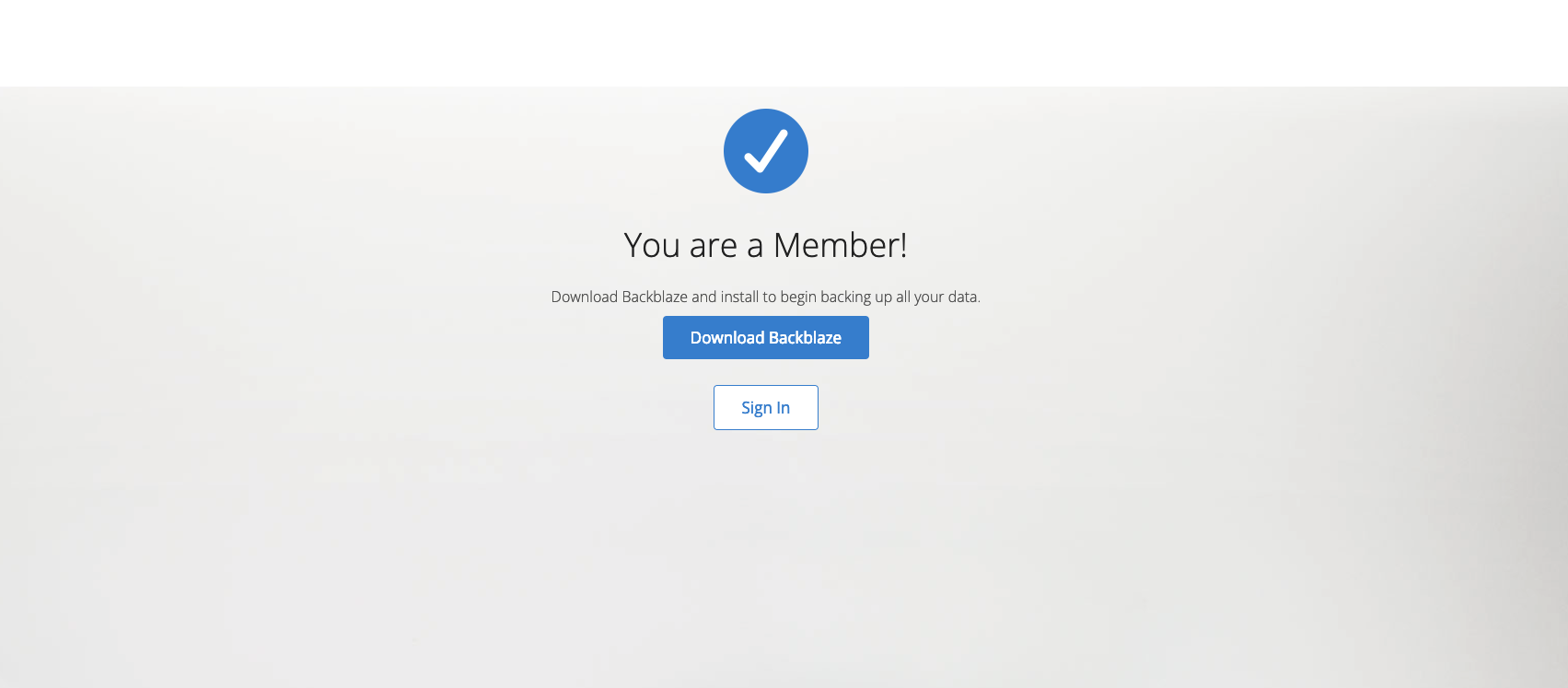
You will want to click the Download Backblaze button. A download will begin. Once complete, launch the installer.
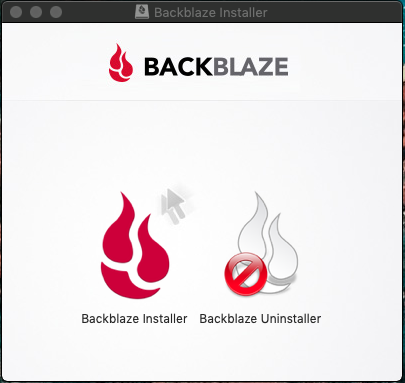
Double Click on the Backblaze Installer. Another window will open.
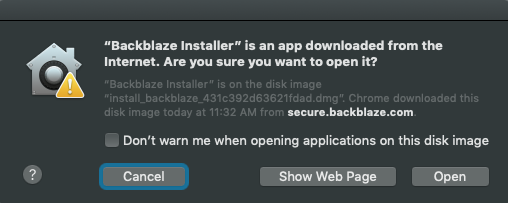
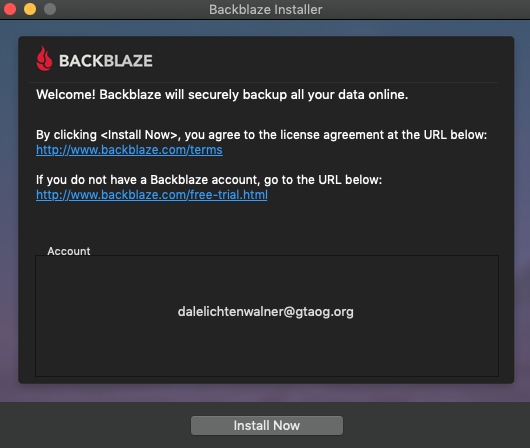
Click the Open button. Once it launches, you will be prompted with a window that will be similar to below. The account should have your email address listed. If the email below is correct then click the Install now button.
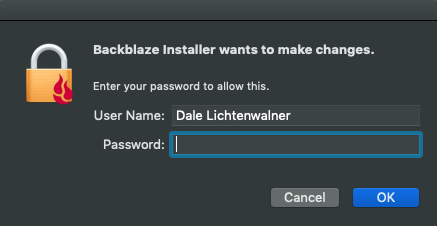
You will be prompted to enter your password. Once entered, click ok.
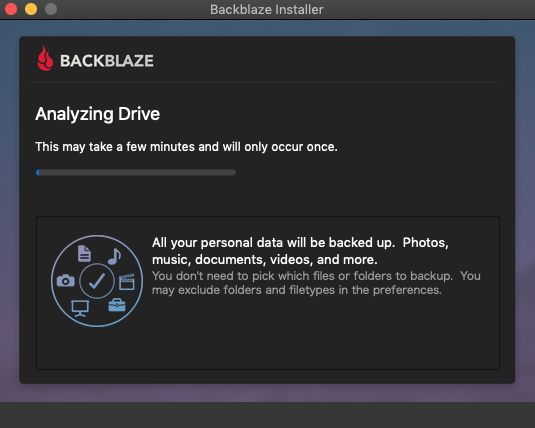
It will now give you a window that is similar to this, it may take a few minutes on this window but will continue on.
Once it continues on, you will be prompted to open system preferences to give Backblaze permission. Click the "Open Applications Folder and System Preferences" button.
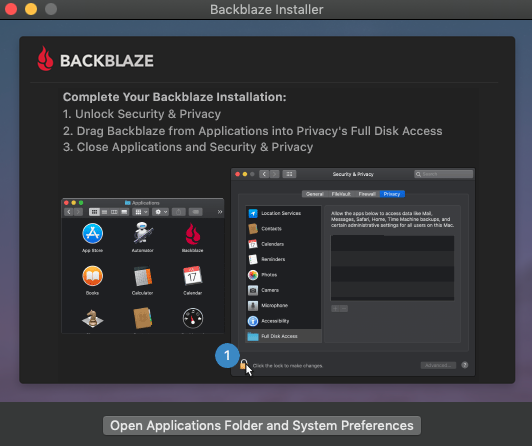
Once in System preferences, click the lock icon on the bottom left corner of the window, enter your password again. Then Click the Plus button in the middle of the pane.
A new finder window will open, 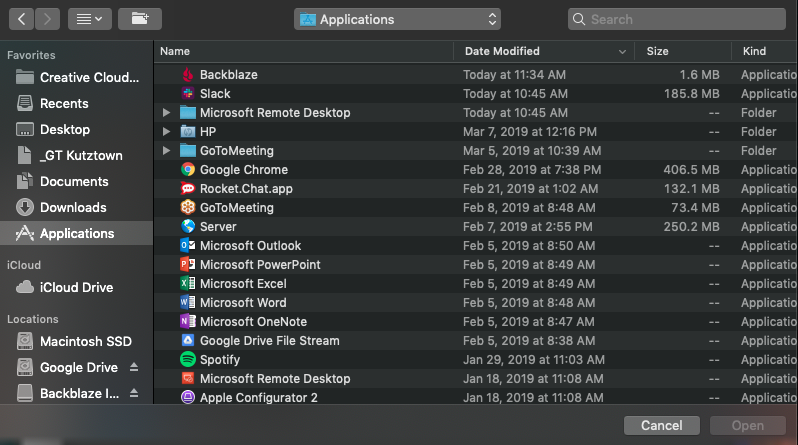
Select the Backblaze Application and click open.
You can go back to the Backblaze installer, click the "Finish and Close" button.
Congrats! You now have installed Backblaze!