
In this article we will cover the basics of the Group Viewer in Rock.
The below screenshot is the homepage of Rock, please start there.
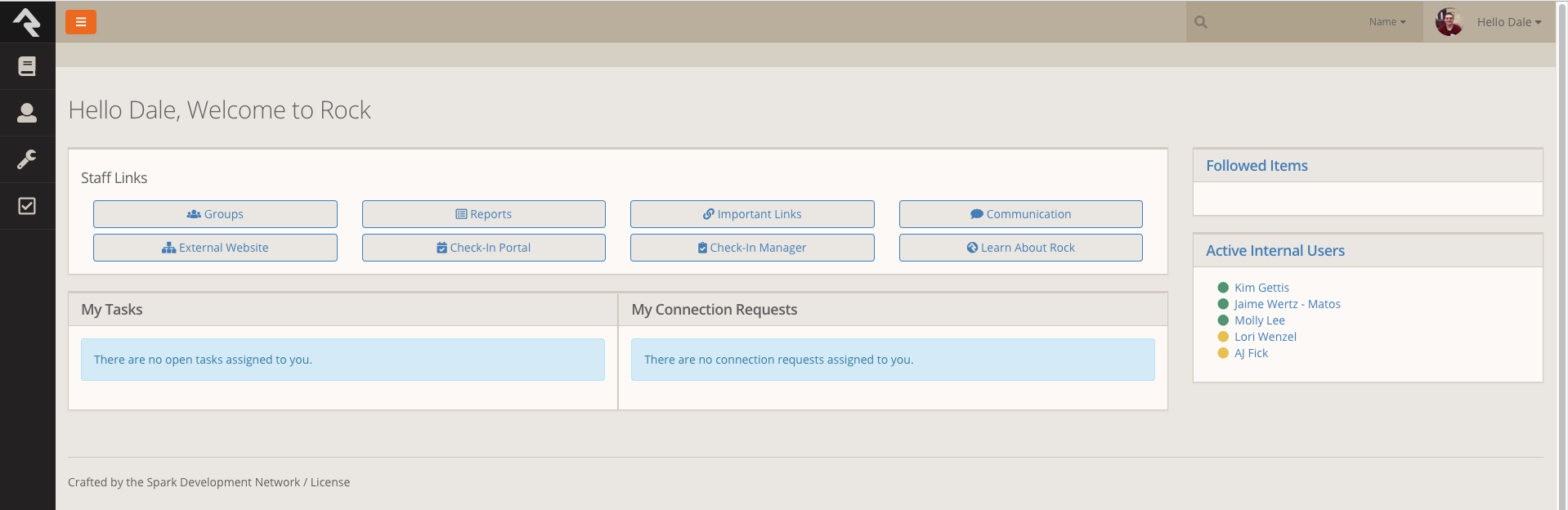
Click on the Groups Icon.

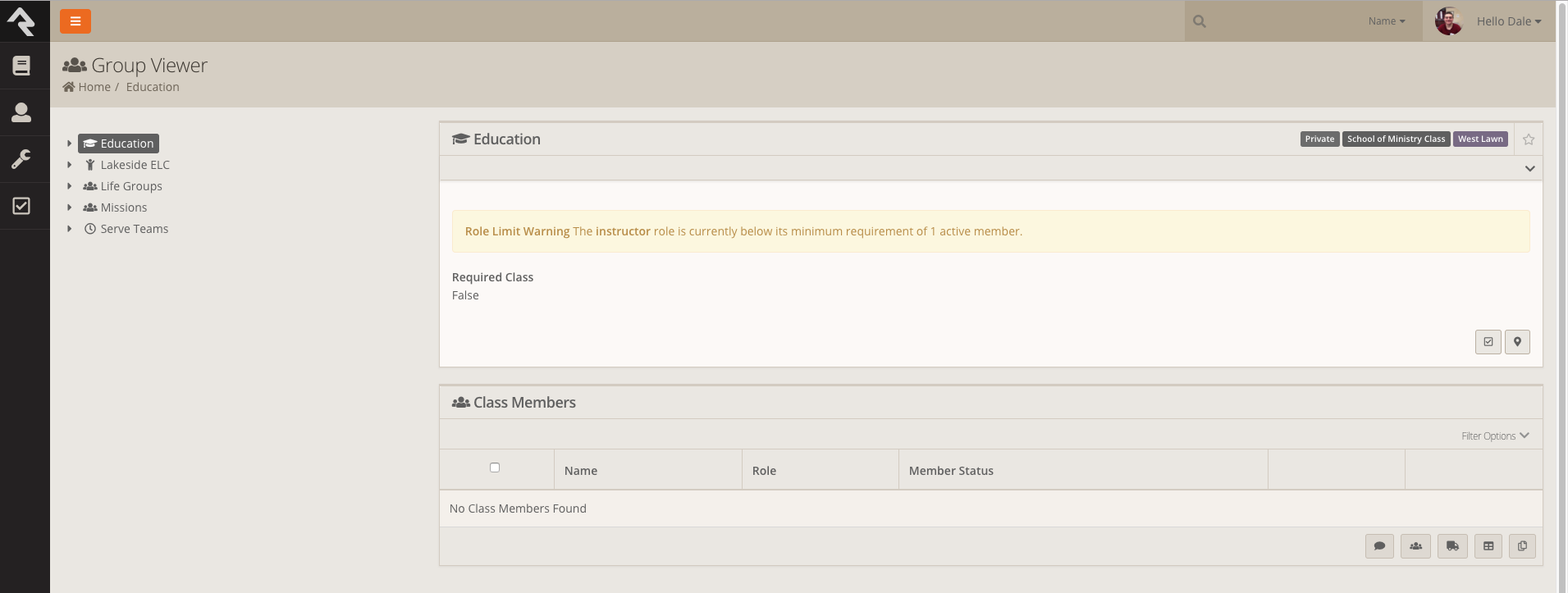
From here you can select the group you want to view. Keep in mind that if you are go to a specific group you must click on that group. You can not for example see all the people on server teams by just clicking on Serve Teams.
For example I'm going to display all of the volunteers on the Media Team.
So first I'm going to click on the drop down arrow next to Serve Teams, Then the drop down arrow next to Worship & Arts then click on the Media Team.
Here is a video showing this.
Here are a few more things you should know about the tools that go along with