
Need to know how to use the online Outlook app?
Here's the layout and basic description of the tools available.
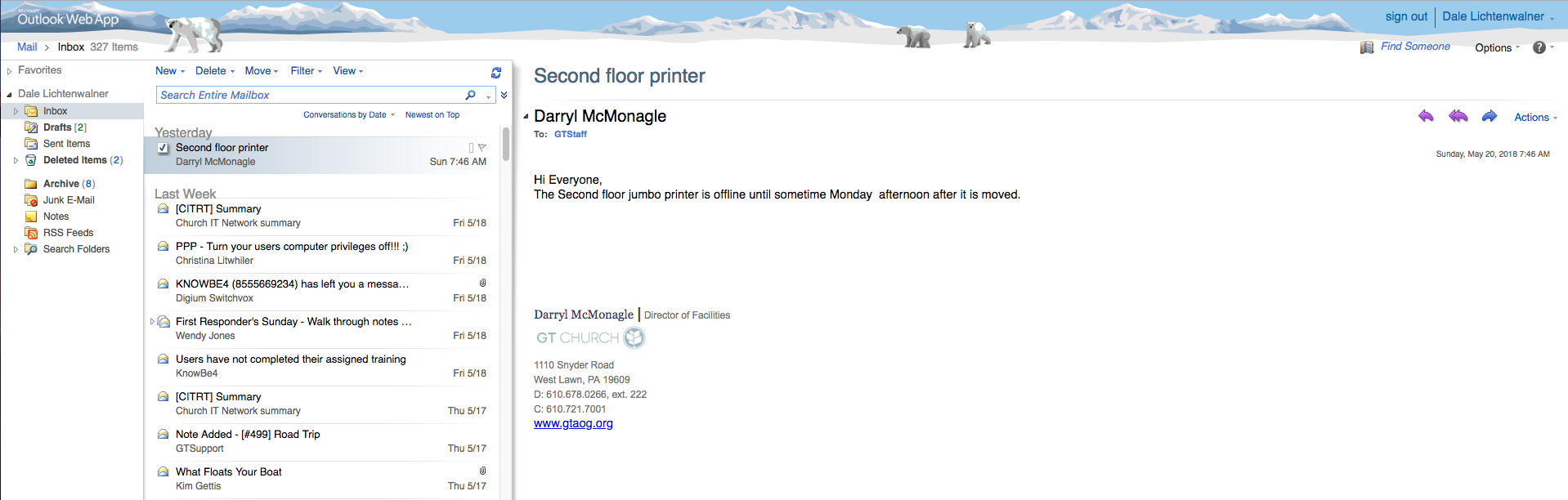
Here is the main screen of the app. I have selected an email to show the tools available.
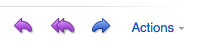
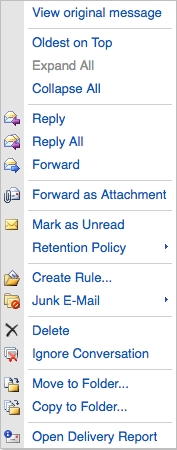
These are the actions that are available on every message. You can reply, reply all and forward the email. You can also select the Actions drop down and have even more options will appear. There you can use the Rules tool and move tools.
You can also use the options tool at the top right to change your password and set automatic replies.
