
Need to access something on the server while at home?
Here's how to connect from home to the server.
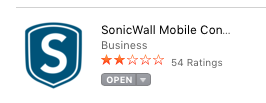
1. If not already, get the Sonicwall mobile connect app from the Mac App Store.
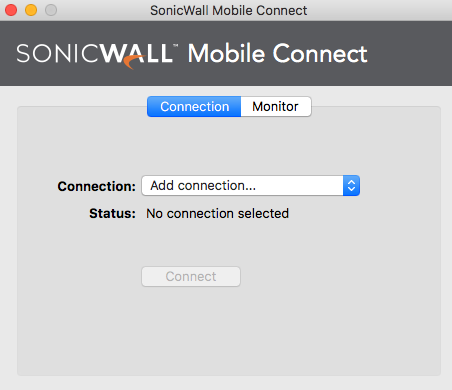
2. Once installed, open it and select Add a connection.
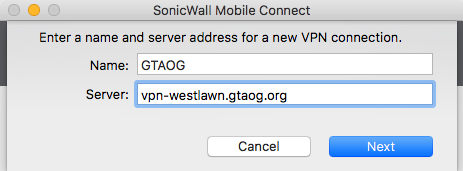
3. It will ask for the Name and the Server. Name: GTAOG Server:vpn-westlawn.gtaog.org
4. It will then ask for your username and password. Example. Username: dalelichtenwalner Password: GT credentials
Congrats! Now you can hit connect and you can now connect to the server as you do normally.