
Need to create a new document in Google Drive? Not sure how?
Well here's how!
1. Login into Google, and navigate to drive.google.com.
2. Click the mulitcolored "+" button and select the type of file you would like to create.

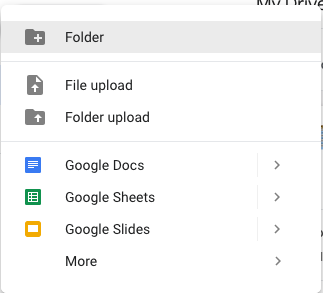
A new document will be created, go ahead and name the file.
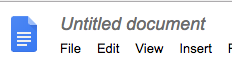
Unless you are inside of a folder when you created this document, it will save it to the main part of the my drive. You can go back to drive.google.com and move it to another folder if you like to. If you need a new folder, just click the "+" button again and choose folder.
Congrats on creating a new file!