
Ever wondered how to share a single file from your Team Drive with a someone who isn't in that Team Drive; without sharing the entire team drive with them?
Here's how!
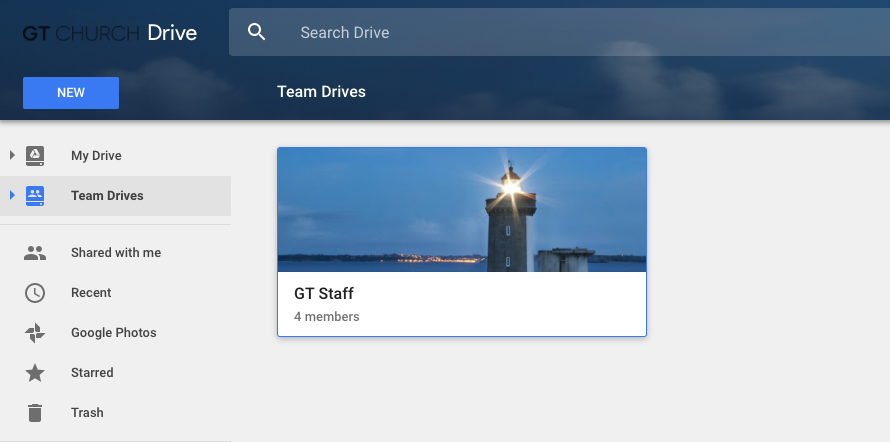
Navigate to the team drive you want to share a file from.
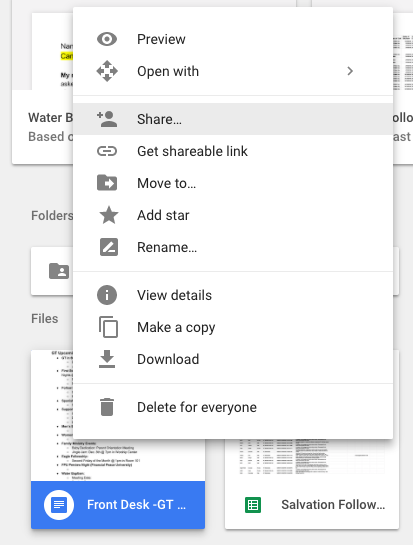
Once you have found the file you wish to share, right click on it, and select the "Share" button.
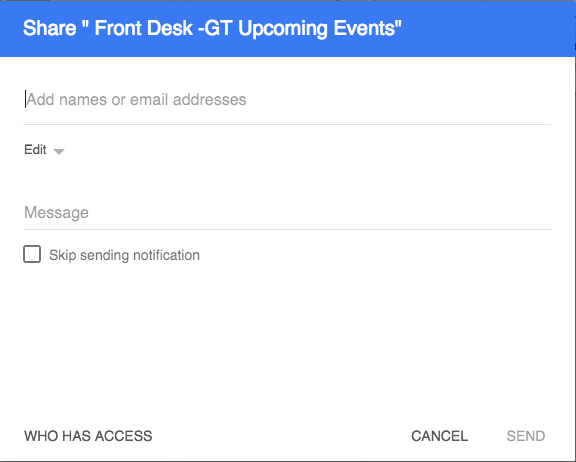
Then, type in the name of the person you wish to share the document with. You can adjust the persons access to the document, as well as send them a personalized message in the form of an email letting them know they have received access to the Team Drive document.
Just click send, and you're all set! Any issues submit a ticket.