
Did you get a popup saying your machine hasn't been backed up in a while?
Go to Finder
Click on Go

Click on Connect to Server

A new window will appear, enter the following into the field: afp://10.25.0.224
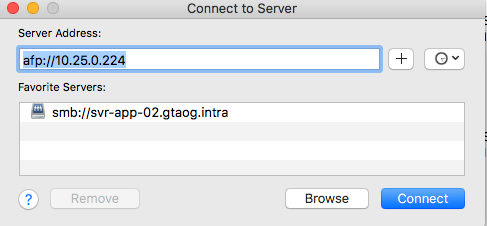
Click Connect
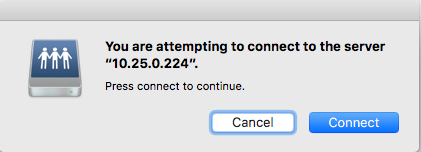
A new window will appear, asking if you want to connect to the server. Click Connect again.
A new window will popup again and will ask for your password.
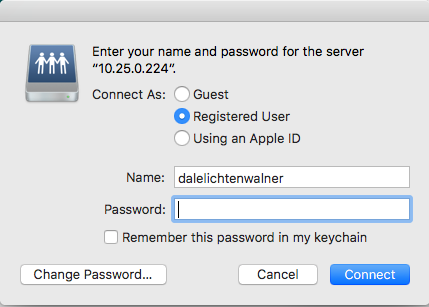
Click Connect.
After that open the settings application

Click on the Time machine Icon

Click Select Disk, and select Time Machine Backups, the first one.
Any issues, submit a ticket!