
This article will cover how to add files that are not in team drives that you would like to share.
If you open the document/file you would like to share, click the share icon on the top right.

A new window will popup and you can add emails or names in the field.
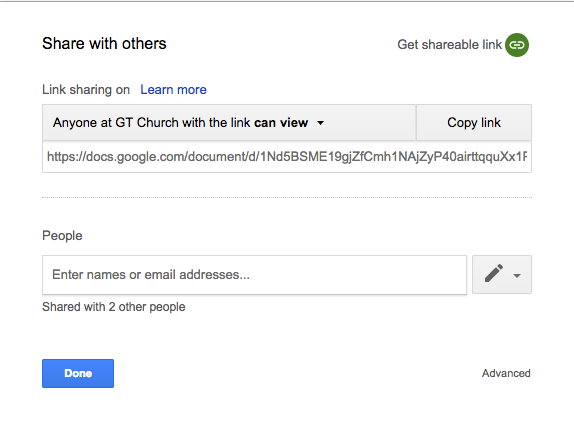
This will share the file with those people. It will appear under their shared with me section of their account.
Any issues? Submit a ticket!