
Step 1: Once you are signed into Rock You should see this. 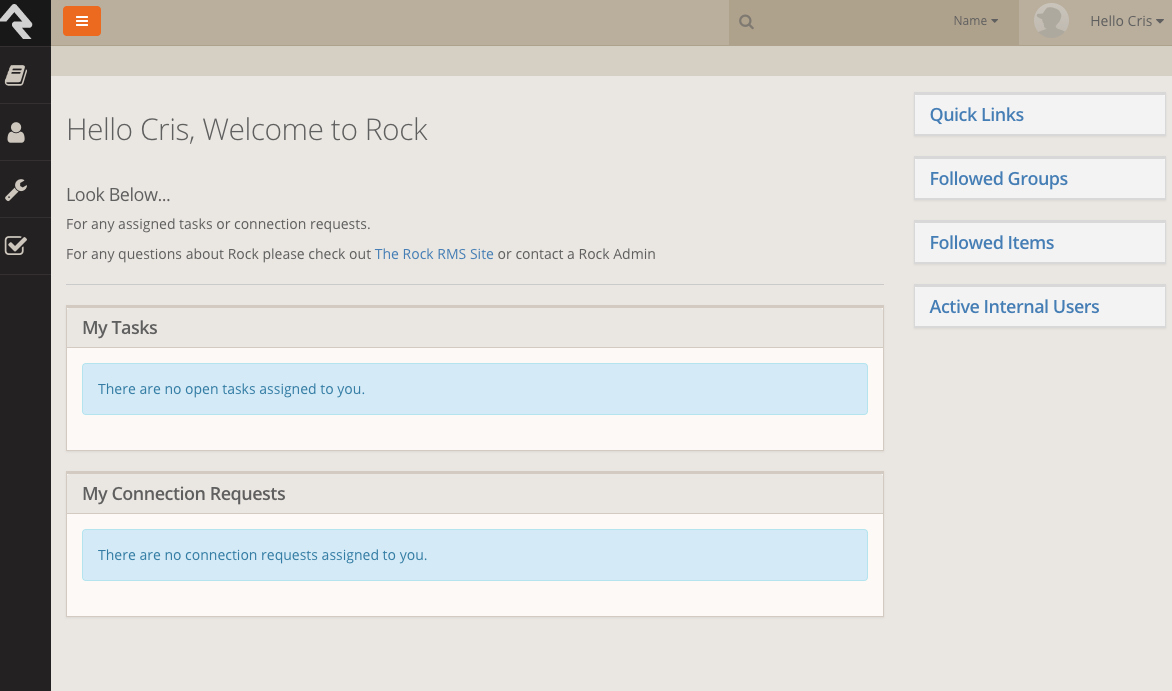
Step 2: Look at the Right hand top of your screen. There is a picture and and a phrase saying "Hello {First.Name} 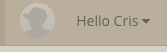
This Is what the box should say. Please click the box.
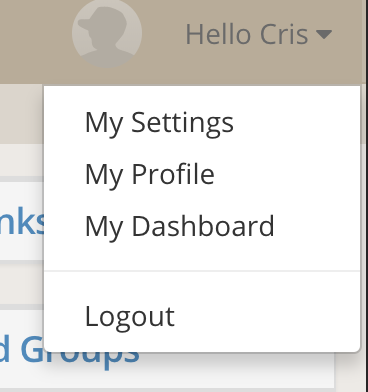
Step 3: Once you have left click the box from the previous step. You will see a list-like of options.
In this order: My Settings
My Profile
My Dashboard
And the Log out Button.
Step 4: Please click the "My Profile" button and it will take you to a page that will have your information on it. 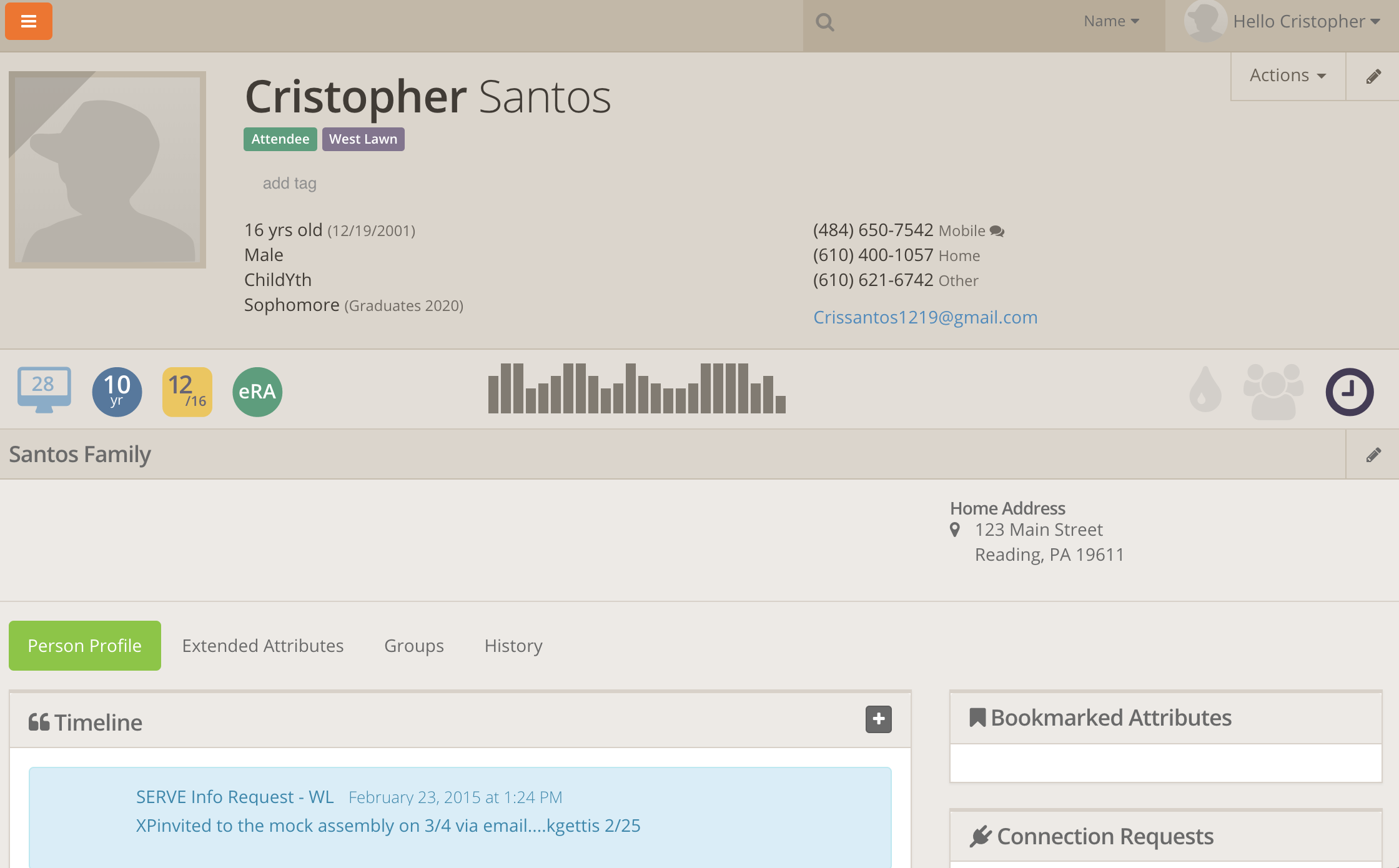
Step 5: If you see that any of the information is incorrect on your profile please double check that the profile is yours. Once you have successfully opened your profile page, if any information is incorrect look at the upper-right hand corner you will see a pencil shaped icon in a box, please click the box.
Step 6: Once you click the pencil shaped icon in the box it will take you to an alternate page that will display your information.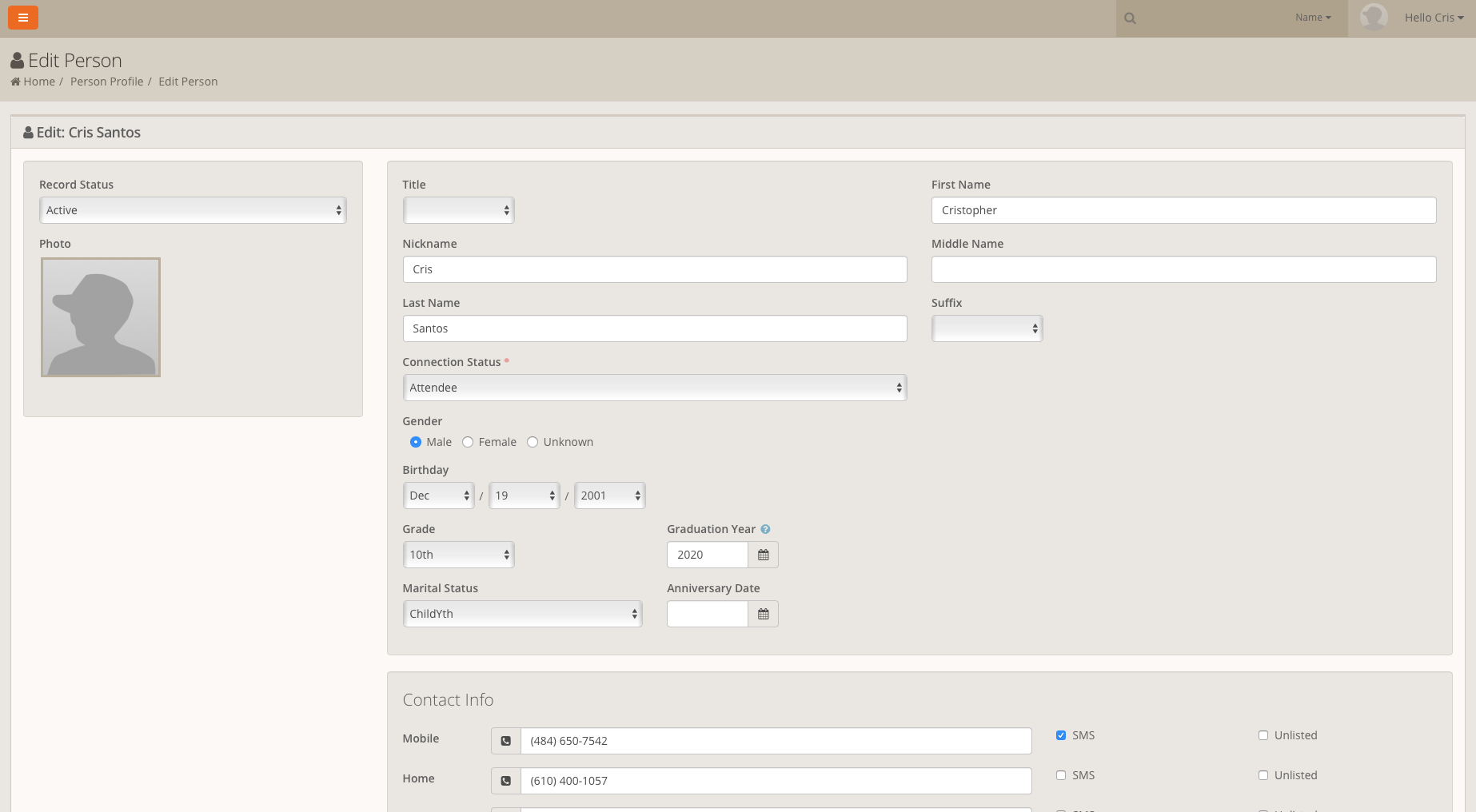
Here it will allow you to edit any information that might be incorrect or any information that might be needed to be added. Just click the bar that information needs to be changed or added.