
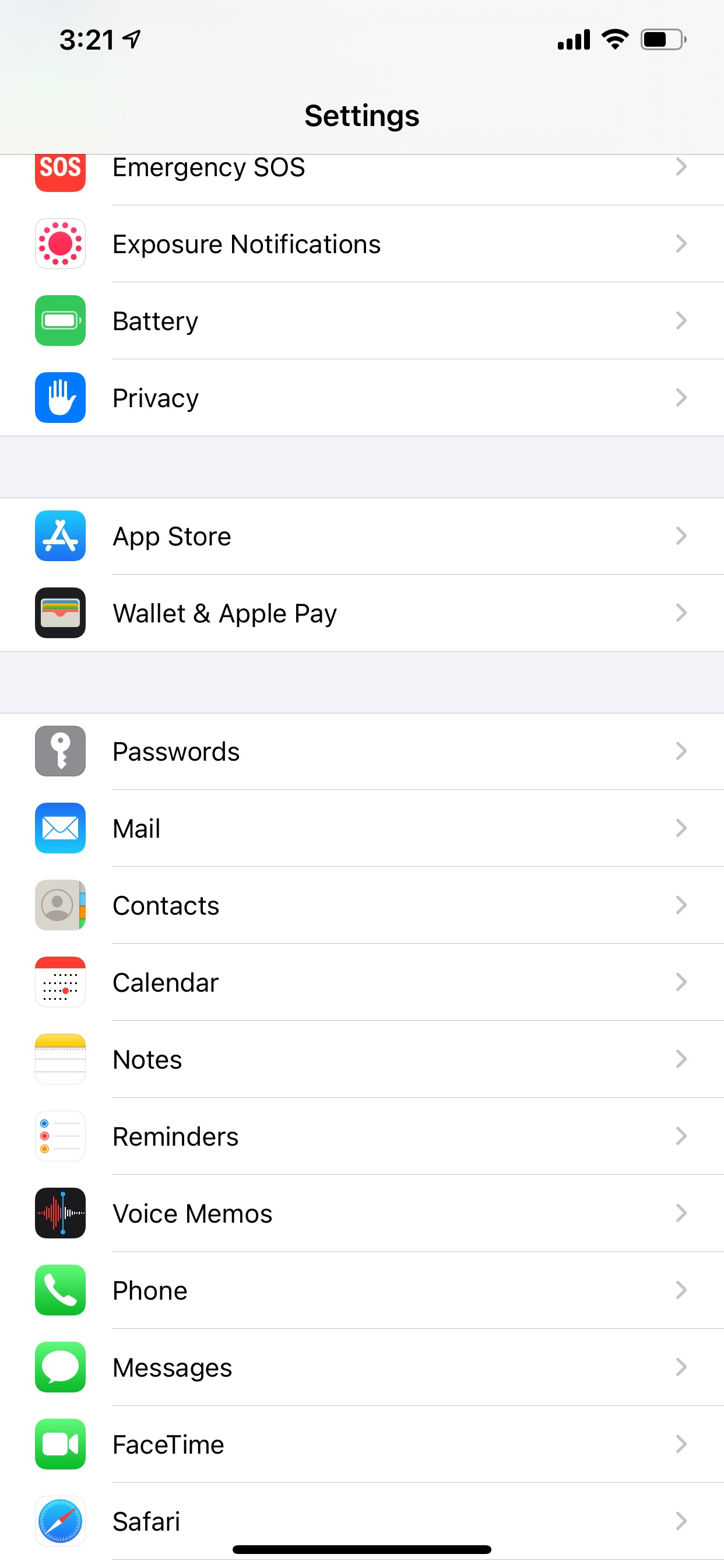
Begin by opening the settings app on your iPhone or iPad.
Scroll down on the main page till you see Mail and click it.
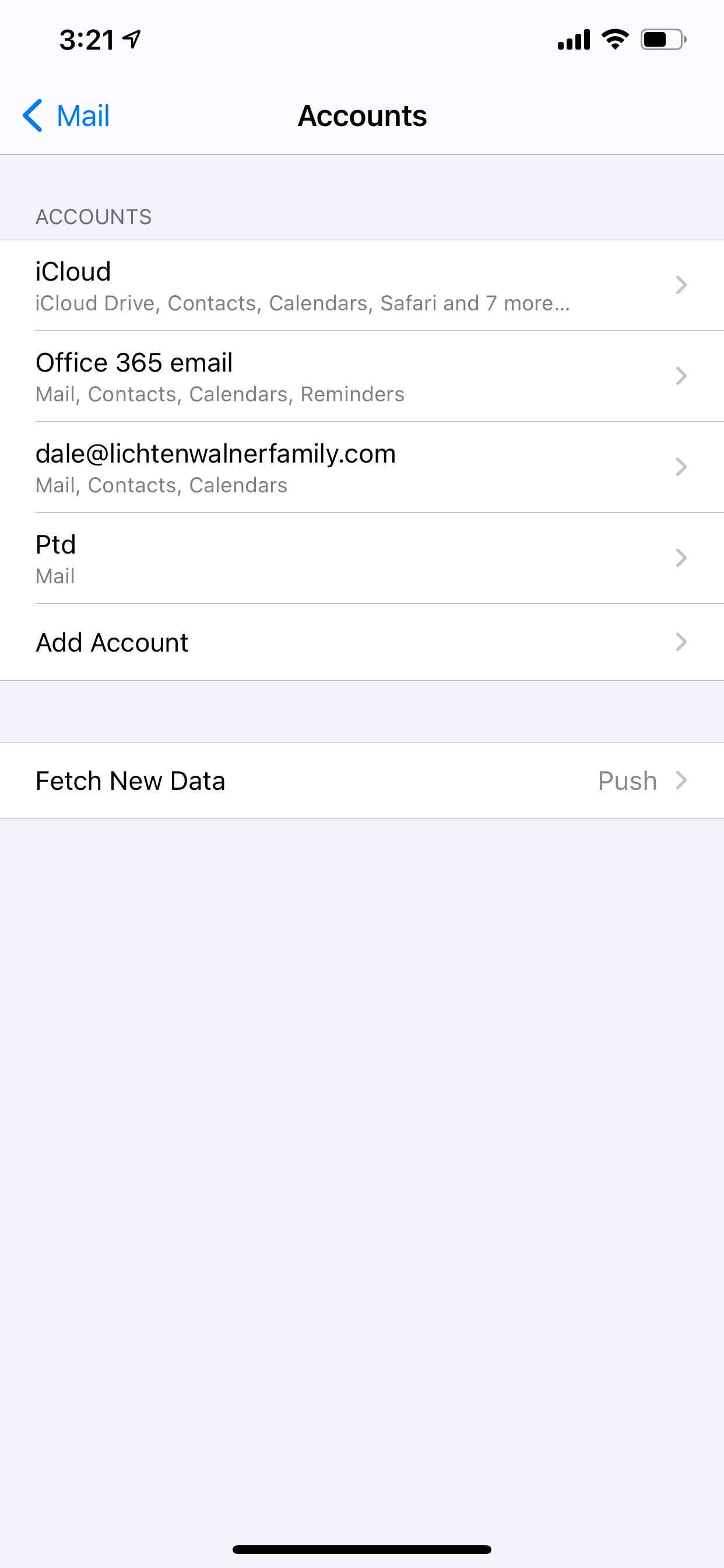
Click on Accounts. Then Add Account.
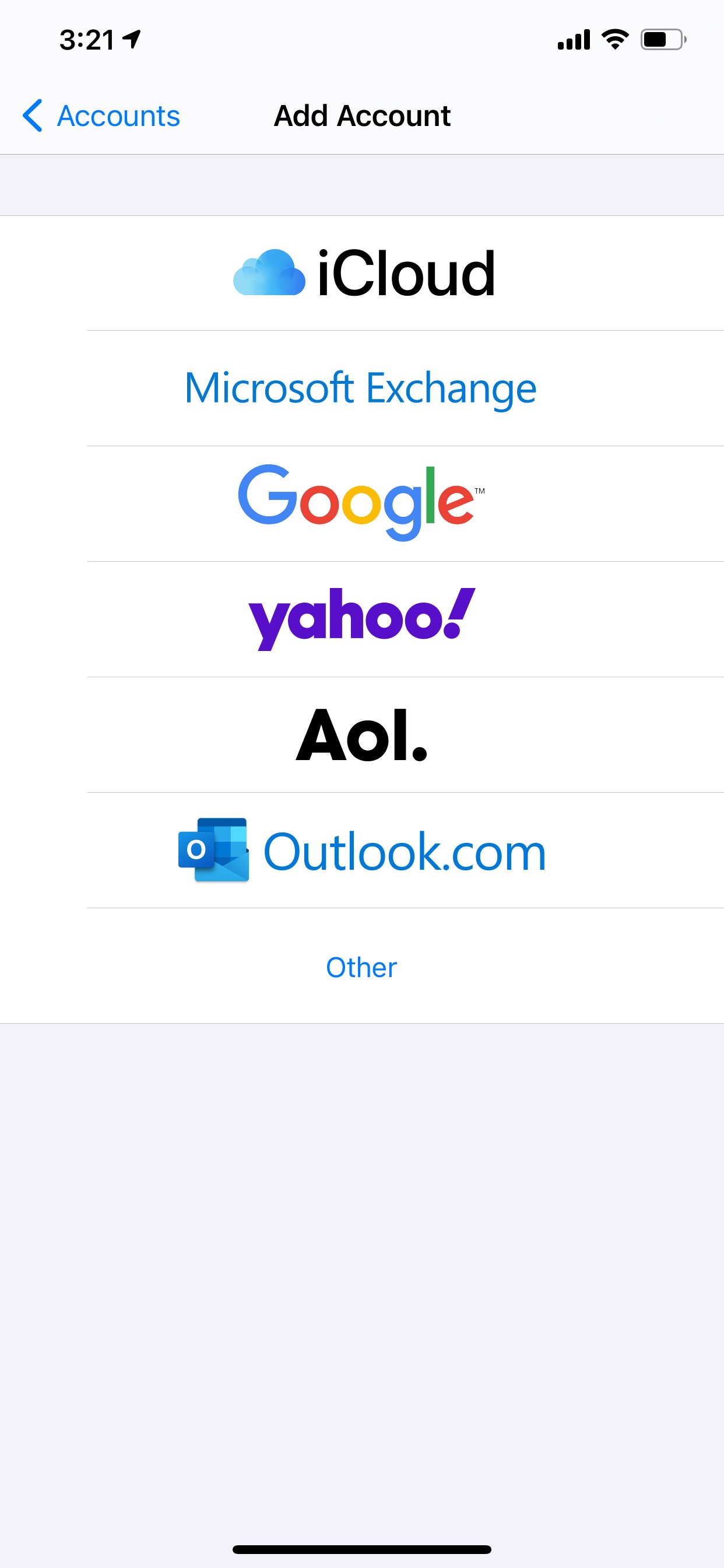
Choose Microsoft Exchange.
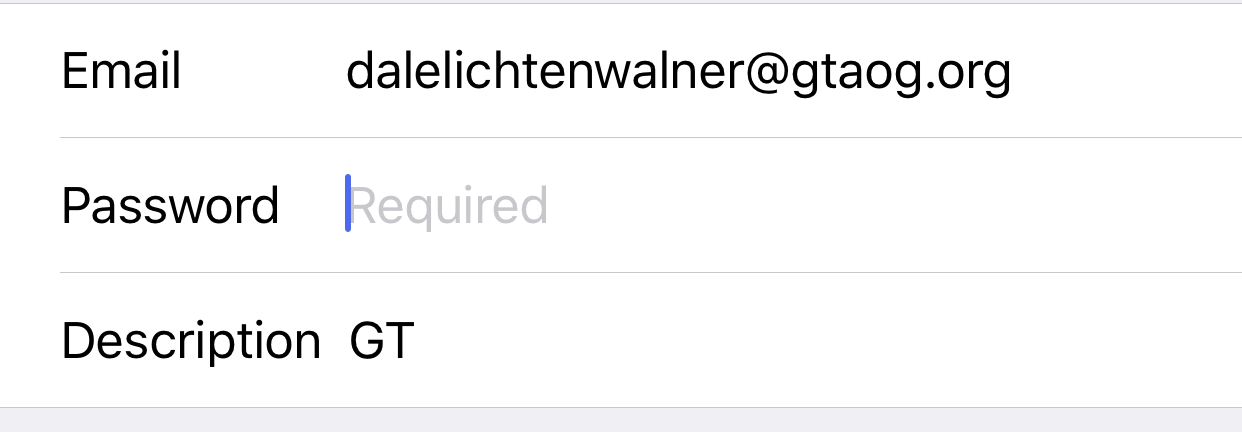
In the Email field, enter your gtaog email. Example: dalelichtenwalner@gtaog.org
In the Description: you can label it GT.
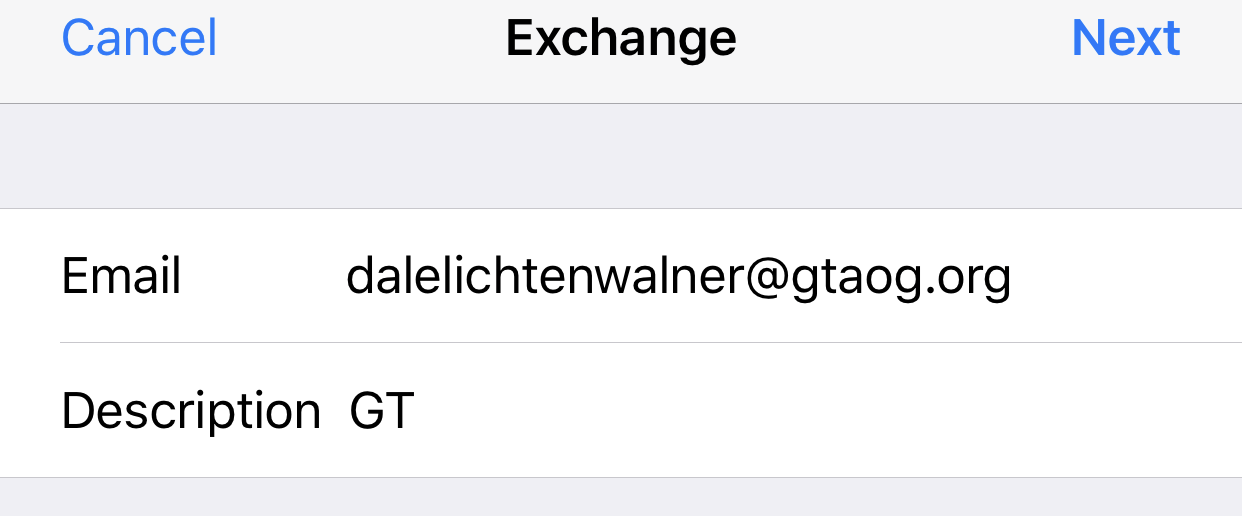
Click Next.
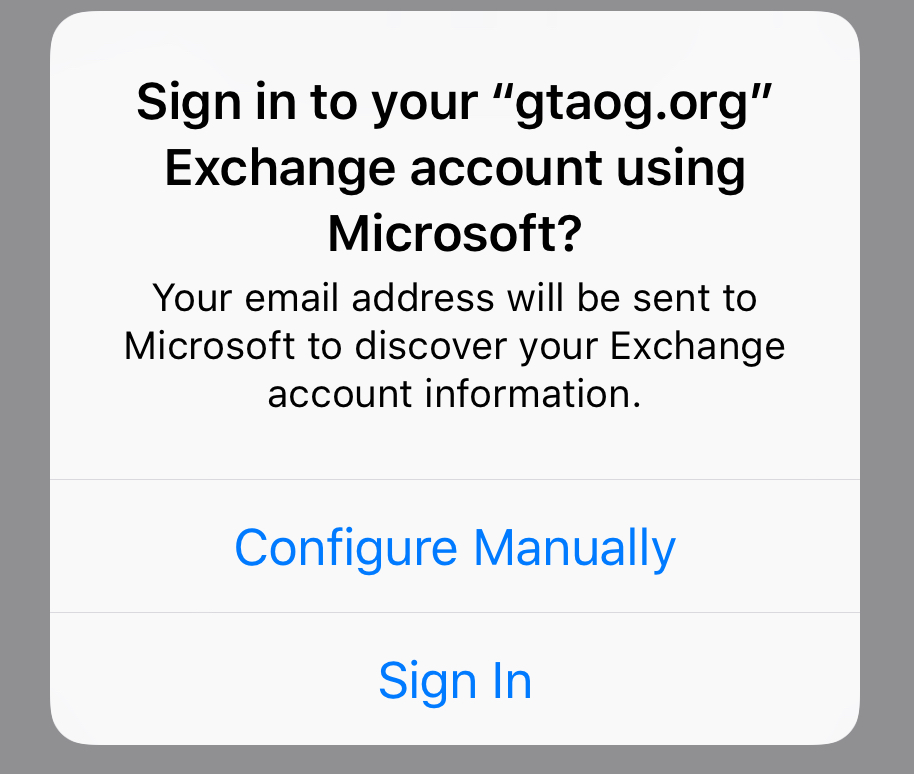
A popup will appear and ask if you want to configure manually or Sign In. Choose configure manually.
A new field will appear asking for your password. Enter your GT email password.
Click Next.
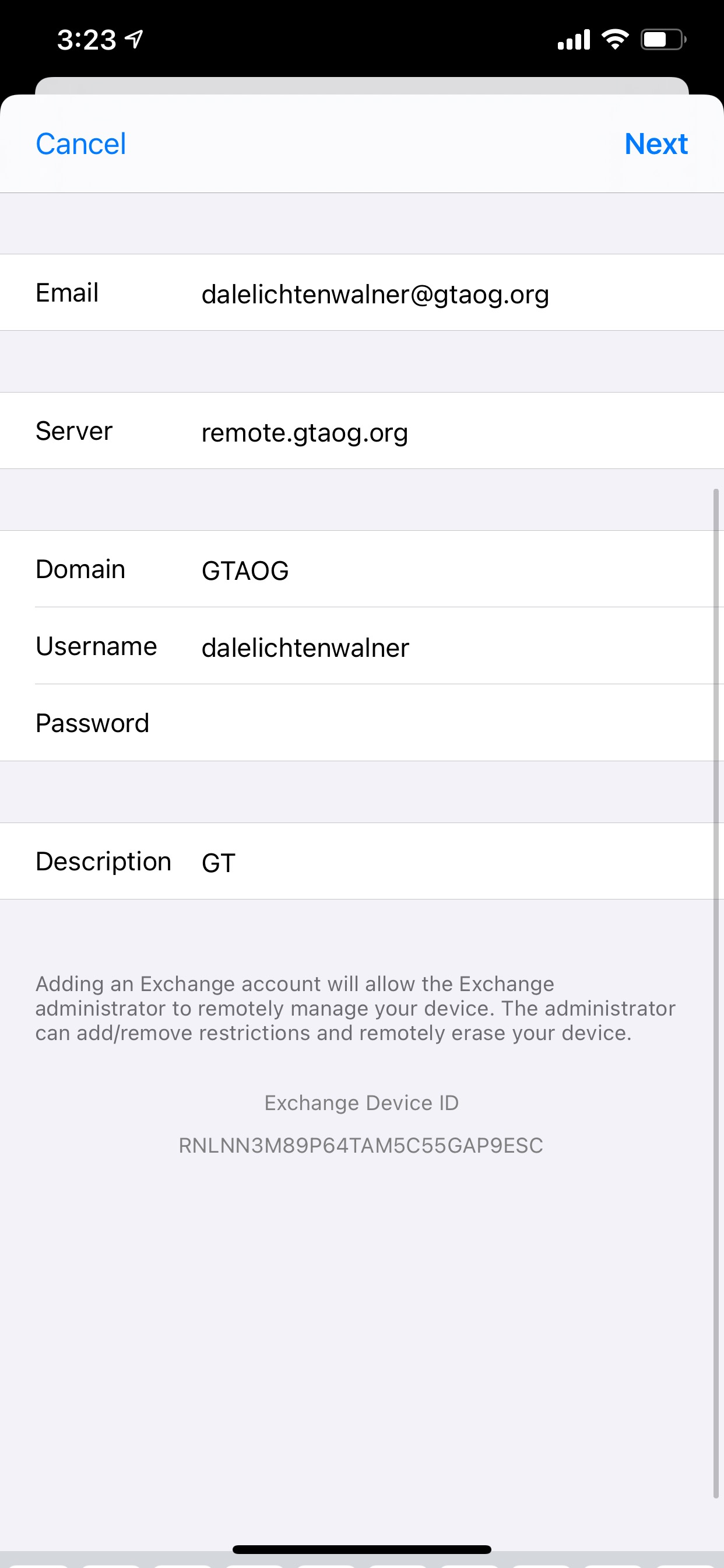
A new screen will load, in the Server field enter; remote.gtaog.org.
In the Domain field enter, GTAOG.
IN the Username field enter, your GTAOG email without the gtaog.org. Example: dalelichtenwalner
In the password field, enter your GTAOG email password.
Click Next.
Then Make sure that all are switched on.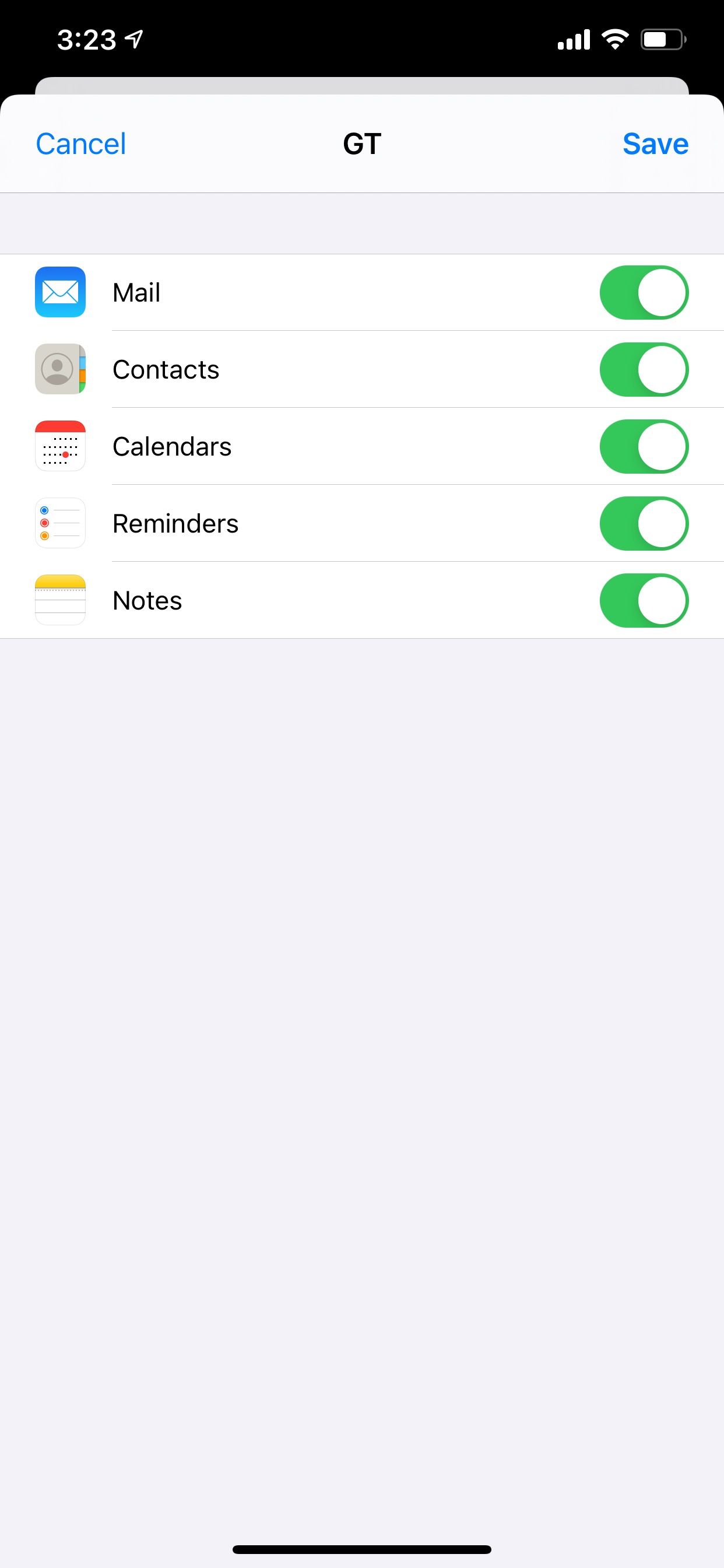
You can click Save.
Congrats! Your email is now setup.
Still having issues setting up or connecting? Submit a ticket!