
Your GT account is used to access a few different services. These include your GT Email, Google Drive, Helpdesk and more. For security reasons your password will need to be reset every 3 months. If you are reaching the end of your 3 month password lifetime you will receive an email warning you 14 days prior to expiration. In order to change your password please follow the steps below:
- Go to https://portal.office.com in your browser
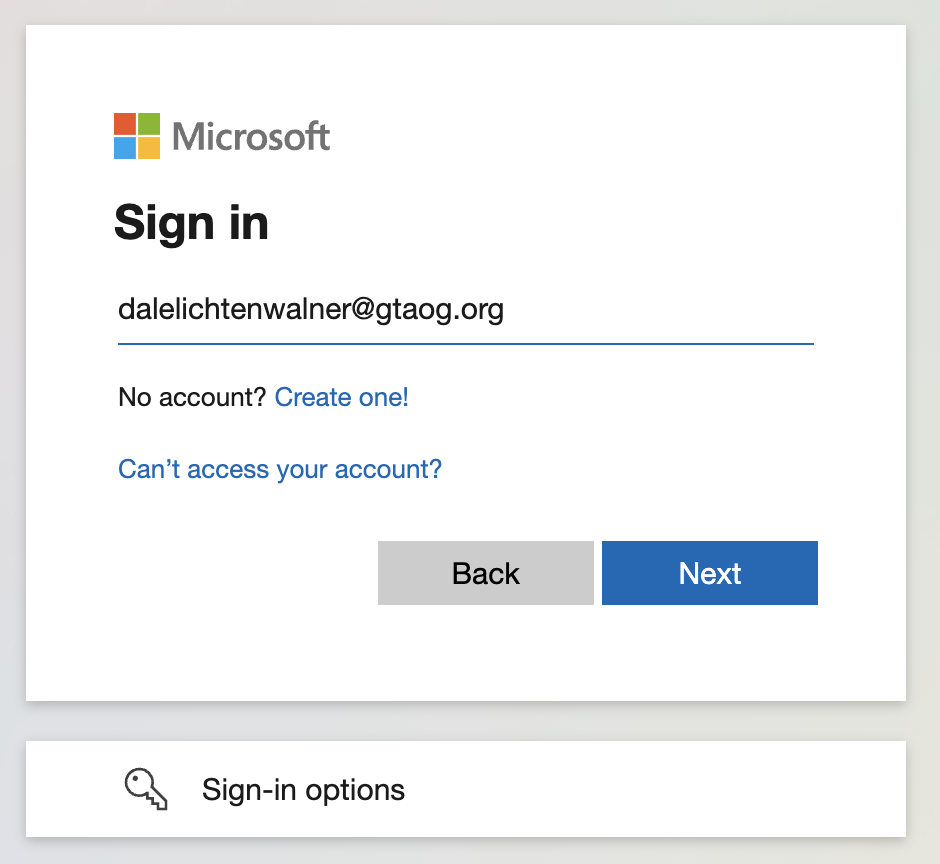
- Log in with the username and password that you currently use to access the server or log in to your GT Email account.
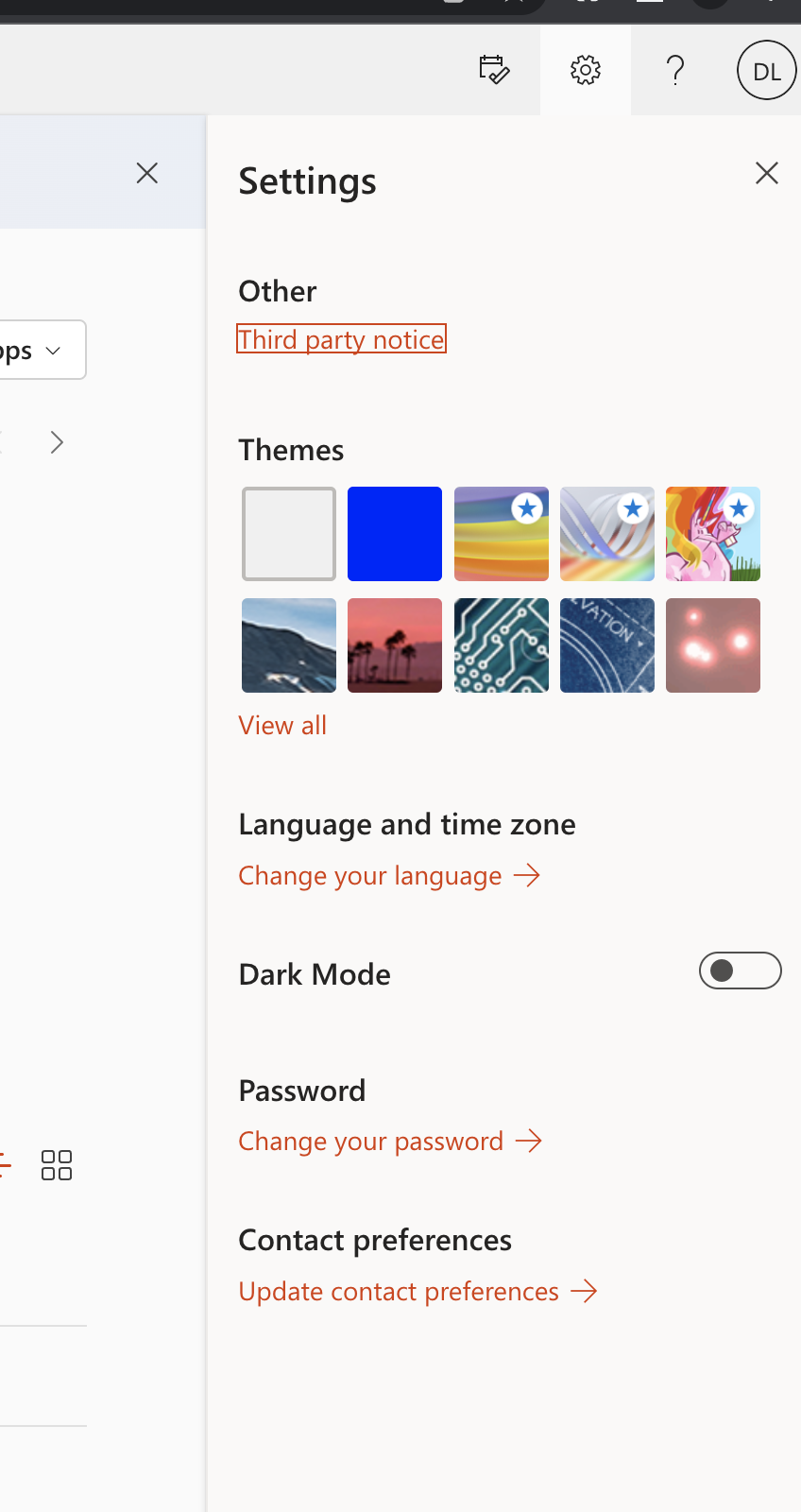
- After a successful login you will see an Gears Icon in the top Right corner of the page. Click that icon and select Change your password.
- On the new window, type your old password and your new password twice.
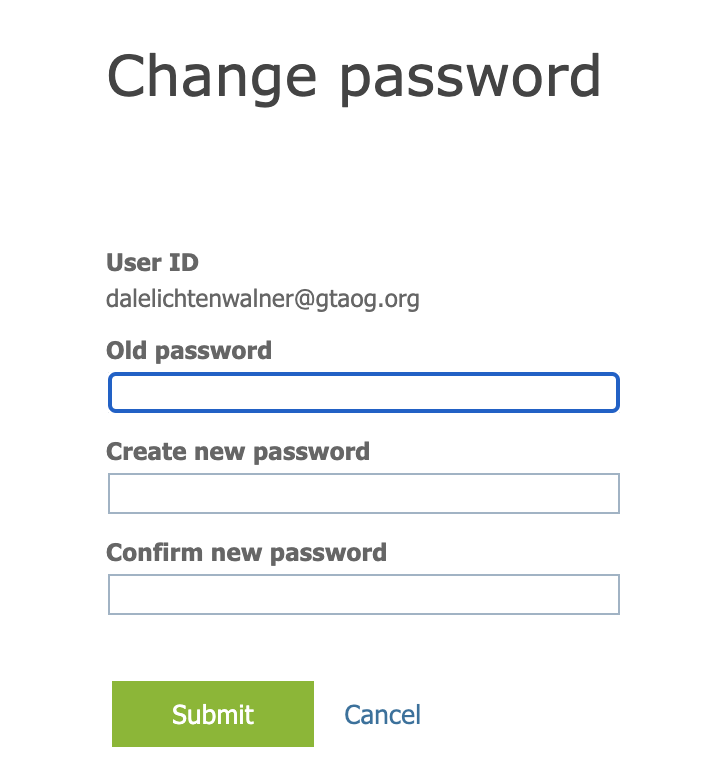
- Once completed click "Save" and you are done!
Please keep in mind that this password will now be used to access GT Servers, Email Google Drive etc. and this change will be immediate.